The problem with passwords is not that people are careless; it is that the same person may have dozens of accounts with different rules. A password manager gives each account a strong, different password and leaves you with fewer things to remember. But there is a trade-off: the vault itself becomes very important. Before paying for a manager in India, look closely at account recovery, device support and what happens when you want to move to a competing service.
What to compare
- Encryption model: read how the provider derives encryption keys and what it can or cannot access.
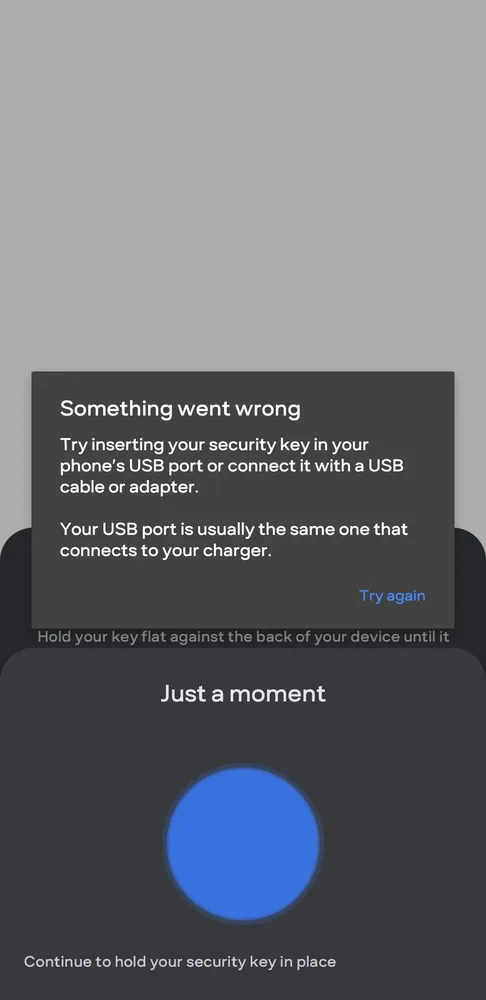
- Multi-factor authentication: prefer support for strong MFA; hardware security keys are useful for high-value accounts.
- Recovery model: understand what happens if you forget the master password or lose all enrolled devices.
- Export and portability: make sure you can export your vault in a documented format when moving providers.
- Security history: read breach disclosures and how the provider responded, not just the homepage promise.
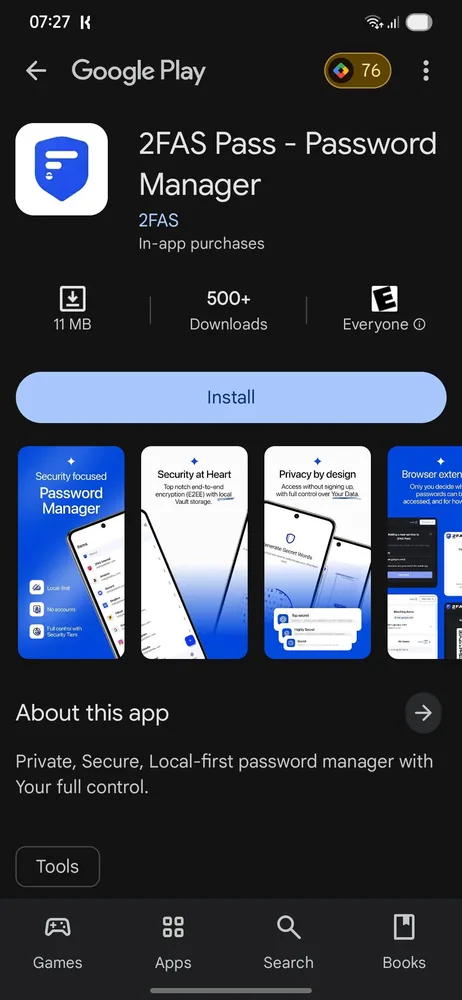
- Platform support: verify browsers, Android/iOS, desktop and family-sharing needs before paying.
A safe setup in five steps
- Create a long, unique master passphrase that is not reused anywhere else.
- Enable MFA on the password-manager account.
- Store recovery information somewhere separate and physically secure.
- Change reused passwords first, starting with email, banking and cloud accounts.
- Keep the app and browser extension updated.
Browser password manager or dedicated service?
Built-in managers from major browsers and operating systems are far better than reusing passwords. Dedicated managers may offer broader cross-platform support, sharing, recovery or administration. Choose based on your actual ecosystem and threat model rather than treating one category as automatically secure.
About the evidence
This is a research-based security-tool guide. CSNR does not claim access to a provider’s internal systems. Provider architecture claims are checked against documentation; independent audits and public incident reports are useful secondary evidence.
Further reading and official sources
One thing worth doing now
Start with the accounts that could cause the most damage if compromised: your main email, banking-related logins and cloud storage. Use a strong vault password, set up an additional sign-in factor and store recovery information offline. Then actually try exporting a non-sensitive test vault; portability is worth knowing about before an emergency.
Related CSNR guides
Have a correction or a source update? Contact the CSNR team.