Two-factor authentication is only helpful if it survives the way an attack actually happens. A code from an authenticator app is much better than a reused password alone, yet a convincing fake login page can still trick someone into typing that code. Security keys and properly implemented passkeys protect against that particular trick more effectively. That does not mean everyone must buy hardware tomorrow; account support, price and recovery options matter.
Three common options
| Method | Main strength | Main limitation |
|---|---|---|
| SMS OTP | Widely available and easy to recover | Depends on the mobile number and can be socially engineered or affected by SIM-related attacks. |
| Authenticator app (TOTP) | Works offline and avoids SMS delivery | A user can still type the code into a convincing phishing page. |
| Passkeys / FIDO security keys | Designed to be phishing-resistant by binding authentication to the legitimate service | Not every service supports them; backup/recovery planning matters. |
Where a hardware key or passkey is most useful
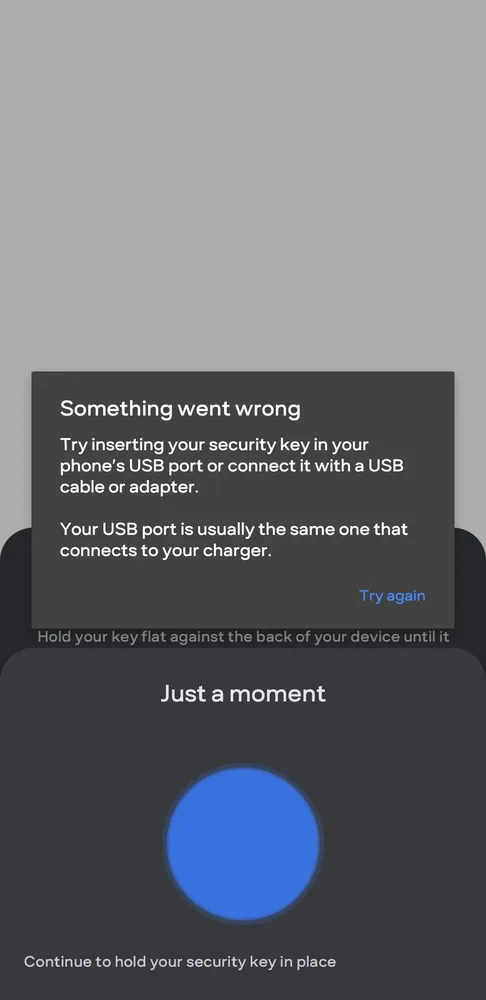
Start with the account that can reset everything else: your primary email, Apple/Google/Microsoft account, password manager, cloud storage and important work accounts. Banking and UPI apps may use their own authentication systems, so check the service rather than assuming a USB/NFC key can be added everywhere.
Recovery is part of security
Register more than one authenticator when the service allows it, store recovery codes safely, and understand the account-recovery process before removing an old phone. A security key locked in a drawer is only useful if you can still recover the account when travelling or after losing a device.
A note about this guidance
This guide does not call any login method “unhackable.” It explains why FIDO/WebAuthn authentication is resistant to common credential-phishing attacks and where compatibility can limit its use.
Further reading and official sources
Before you decide
Secure your primary email account first. It is often the doorway to password resets elsewhere. Before adding a key, check whether the service supports a second backup key or another recovery method, and store that backup separately. A secure login you cannot recover after losing a phone or key creates a different kind of problem.
Related CSNR guides
Have a correction or a source update? Contact the CSNR team.