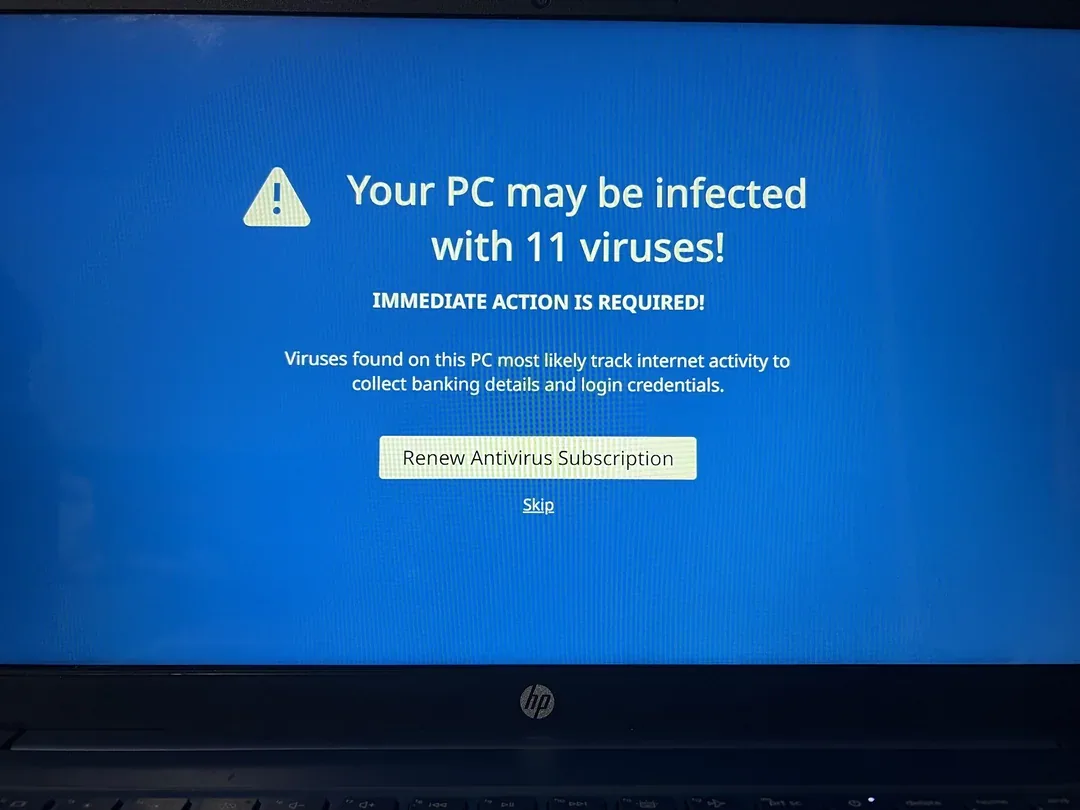
It is easy to buy a Windows security suite simply because it promises a special banking shield. The more useful question is what it protects that Windows 11 does not already cover. Microsoft Defender, browser updates and sensible account settings form a decent starting point for many households. Extra software can still be worthwhile, particularly if you manage several family computers, but it should solve a problem you can name rather than add another subscription you forget about.
What to compare in a Windows security product
- Independent detection testing: use current results from established testing organisations rather than a vendor’s own percentage claim.
- Web/phishing protection: useful because many banking attacks start with a fake login page rather than a traditional file virus.
- Ransomware controls: look for behaviour monitoring, protected folders and clear recovery guidance.
- Performance: compare current independent performance tests on hardware similar to yours.
- Update/support policy: security software is only useful while signatures, engines and the operating system are supported.
- Privacy: review telemetry, browser extensions and what data the product sends to the vendor.
Is Microsoft Defender enough?
Windows Security/Microsoft Defender provides built-in antivirus and other protections for supported Windows systems. Whether you need a third-party product depends on your risk, desired support and extra features. Adding multiple real-time antivirus engines at once can create conflicts and does not automatically double protection.
What matters more for online banking
A security suite cannot make a phishing victim safe after they willingly enter credentials into a convincing fake site or give a remote caller control of the computer. For banking, prioritise:
- using the bank’s official app/bookmarked website;
- a unique password and MFA where offered;
- protecting the linked email account;
- never sharing OTP, PIN, CVV or remote desktop access;
- keeping Windows, browser and extensions updated;
- reviewing transaction alerts promptly.
How to choose between free and paid
Free built-in protection may be sufficient for a careful home user who keeps systems updated and has good backups. Paid suites can make sense if you value central family management, support, advanced web controls, parental features or bundled password/VPN services. Compare the actual features you will use instead of buying a bundle because it has the longest list.
About the evidence
CSNR does not claim to have run a controlled malware or phishing laboratory unless the article publishes the sample source, environment, date and repeatable test method. This guide is a research-based buying checklist. For detection comparisons, consult current independent labs and vendor documentation.
Further reading and official sources
One thing worth doing now
For banking, practice matters as much as software. Type a trusted bank address yourself or use the official app, do not grant screen-sharing access to a caller, and keep recovery options for your email up to date. If you try a paid suite, assess the renewal price and whether it noticeably slows your actual laptop during everyday work.
Related CSNR guides
Have a correction or a source update? Contact the CSNR team.