Portable SSD advertisements love enormous transfer-speed figures. That's understandable, but speed is only one small part of keeping a backup safe. I would rather have two ordinary copies of irreplaceable documents than one beautifully designed drive that has never been tested after the first backup. When comparing portable SSDs in India, think about encryption, cables, warranty service and what happens if the drive goes missing, not just the benchmark printed on the packaging.
Start with the backup strategy
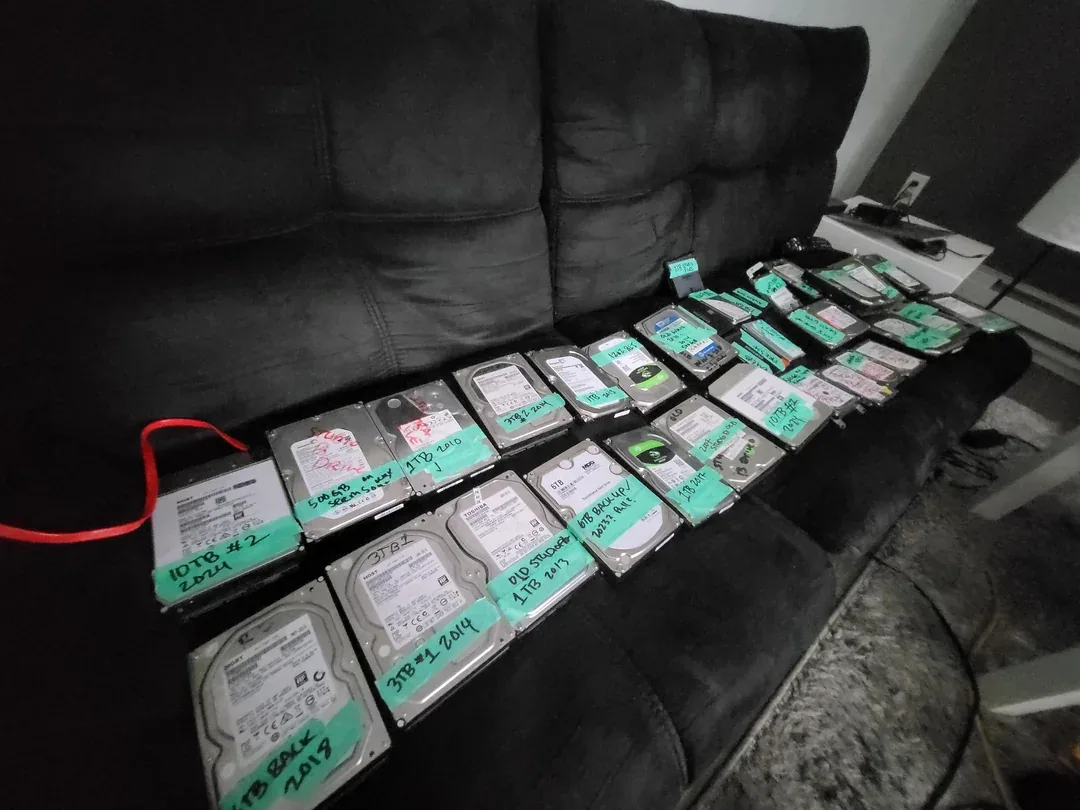
One portable SSD is not a backup strategy by itself. Important files should exist in more than one place, ideally on more than one type of storage, with one copy separated from the main device or location.
Five questions to ask
- Is encryption actually supported? Check whether the exact model offers hardware encryption, vendor password software, or neither. Product families can differ.
- Can you use independent encryption? Tools such as BitLocker, FileVault or VeraCrypt may be more appropriate when you want encryption that is not tied to a vendor utility.
- What does the durability rating mean? An IP rating addresses dust/water exposure; a drop claim addresses impact. Neither makes a drive indestructible.
- Will your computer reach the advertised speed? The cable, USB generation, port and workload all affect throughput.
- What happens if the drive dies? A warranty can replace hardware, not your files. Keep another copy.
For sensitive data
Use full-disk or container encryption with a strong recovery plan. Do not store the only copy of an encryption recovery key on the same drive. If data is regulated or business-critical, your organisation may need a formal storage and key-management policy rather than a consumer password utility.
What this advice is based on
This is a research-based storage guide. CSNR does not claim drop, water, thermal or sustained-write testing unless a test method and sample are published. Verify the exact model’s datasheet because similarly named SSDs can differ in encryption and warranty features.
Further reading and official sources
A practical next step
Make a small test folder, back it up, disconnect the drive and restore the files to a different location. That simple rehearsal tells you more than a reassuring progress bar. For sensitive files, check whether encryption is actually enabled and where its recovery key is stored. A rugged case is useful, but it does not replace another copy.
Related CSNR guides
Have a correction or a source update? Contact the CSNR team.